
Branded S3 Bucket
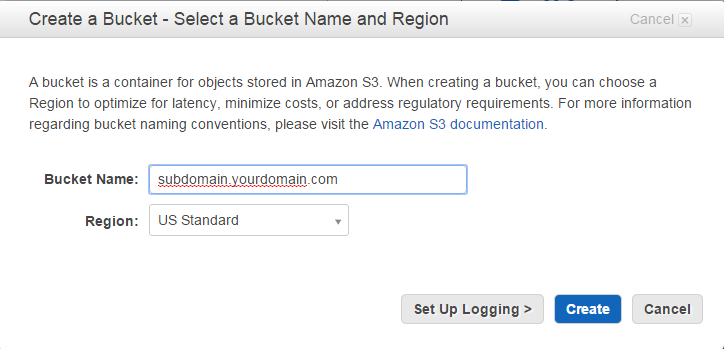
First you create a S3 bucket that is a subdomain for you.
My main domain is vems.com, so I used downloads.vems.com. You can use anything before the first dot.
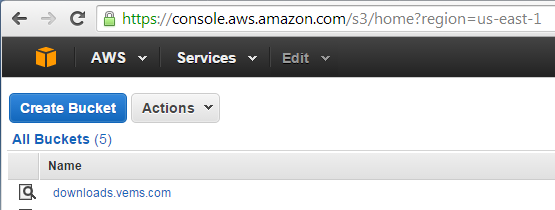
After you create your bucket, it should show up in your list of buckets like this:
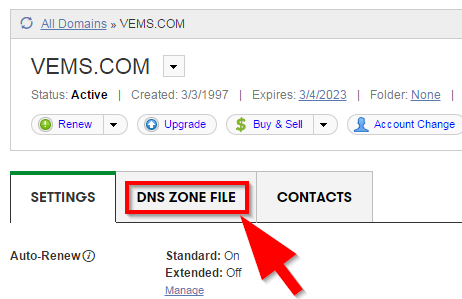
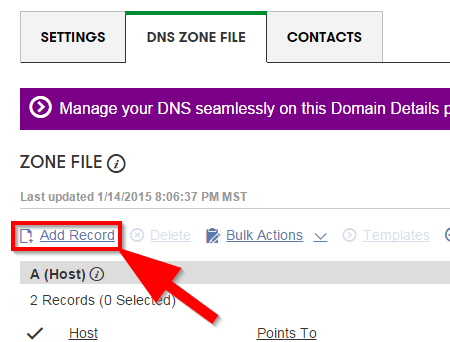
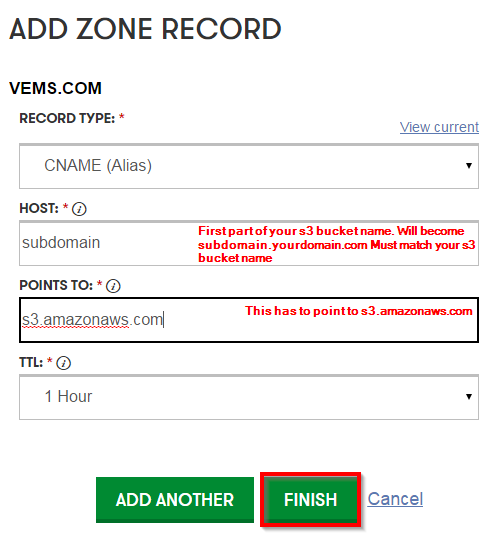
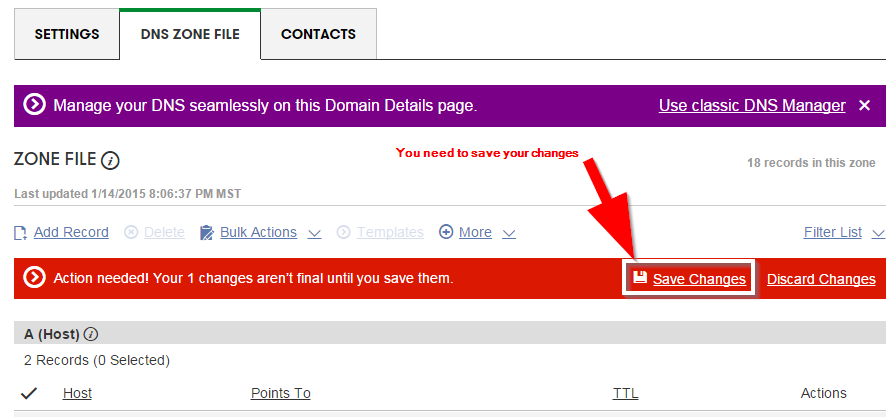
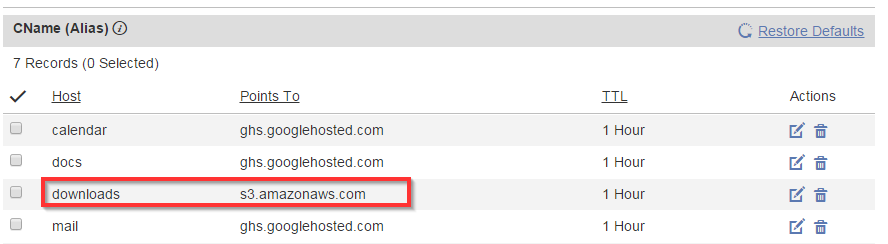
Second you go to your domain registrar (Godaddy, Tucows, or whomever) and edit your DNS Zone file. Add a "CName" which is sometimes called an alias. In my example, I added the CName "downloads" and it points to s3.amazonaws.com. The CName MUST match the first part of the S3 bucket name for this to work.
Third, wait a bit for the DNS changes to take effect. Between 1 and 24 hours is typical.
Fourth, enjoy a branded S3 bucket.